How to Check Your Hearing at Home: A Comprehensive Guide to Online Hearing Tests
Updated Feb 06, 2026 • 6 min read
Hearing loss often creeps up slowly. You might start asking people to repeat themselves more often, or you might find yourself turning up the TV volume just a little bit higher each month. Because the change is gradual, our brains adapt, and we may not realize there is a problem until it becomes significant.
The good news is that you don't need a doctor's appointment to get a preliminary assessment. Modern online hearing tests are sophisticated enough to provide a reliable baseline of your hearing health in just a few minutes.
How Online Hearing Tests Work
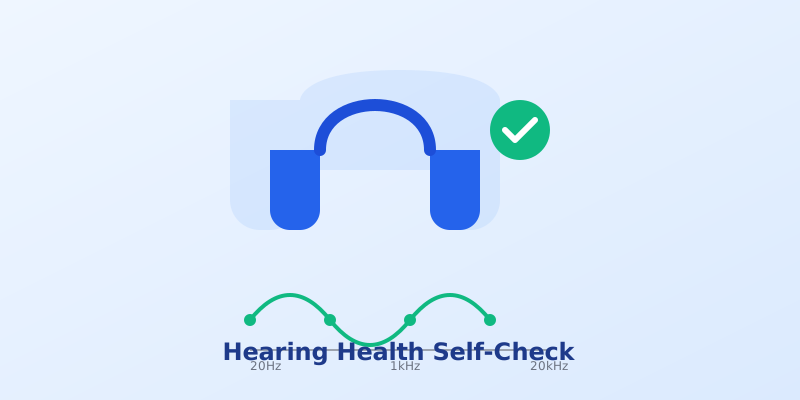
Professional audiograms measure your hearing threshold across different frequencies, usually from 250Hz (low pitch) to 8000Hz (high pitch). Online tests mimic this process by generating pure tone signals at these specific frequencies.
The goal is to determine the quietest sound you can hear at each frequency level. If you need the volume to be louder than normal to hear a specific tone (like a high-pitched bird chirp), it may indicate hearing loss in that range.
Step 1: Equipment Preparation
Before you begin, your setup is crucial for accuracy.
- Use Headphones: Do not use laptop speakers. Over-ear headphones are best because they block out background noise, but good quality earbuds work too.
- Check Stereo Balance: Your left and right ears are tested separately. Use our Speaker Test Tool to ensure your headphones are working correctly and the Left/Right channels aren't swapped.
- Find a Quiet Room: Background noise (AC, traffic, computer fans) can mask the soft tones you are trying to hear, skewing your results.
Step 2: Taking the Test
Ready? Go to our Free Online Hearing Test page.
- Calibration (The most important step): Set your computer volume to a comfortable, conversational level (usually around 40-50%). Do not change this volume during the test.
- The Frequency Sweep: The test will play tones starting from low to high. You will likely hear the mid-range tones (1000Hz - 4000Hz) most clearly.
- High Frequency Check: Pay special attention to tones above 10,000Hz. This is often where age-related hearing loss appears first.
Step 3: Interpreting Your Results
Most adults with healthy hearing should be able to hear frequencies up to 14,000 Hz or 15,000 Hz.
Typical Age-Based Limits:
- Under 25: Should hear up to 17,000 Hz - 20,000 Hz
- 30 - 40 years: Often limited to ~15,000 Hz
- 50+ years: Often limited to ~12,000 Hz or lower
If your results are significantly lower than the typical range for your age, or if you notice a big difference between your left and right ears, it is recommended to consult a professional audiologist.
A Note on Safety
Hearing tests involve listening for very quiet sounds. NEVER turn your volume up to maximum to try and "force" yourself to hear a frequency. High-frequency sounds at high volumes can damage your hearing even if they don't "feel" loud.
Learn More: Read our guide on Headphone Safety Standards to protect your ears during daily listening.
Conclusion
Your hearing is precious and once damaged, it often cannot be restored. Using a simple online tool to check your hearing once or twice a year is an excellent preventative habit. It establishes a baseline and helps you catch potential issues early.
Take the 5 minutes today to check your hearing.