Neighbor Noise Disputes: How to Collect Valid Evidence with a Sound Meter
Updated Mar 30, 2026 • 8 min read
We’ve all been there: it’s 11:30 PM, you have an early meeting tomorrow, and your upstairs neighbor decides it’s the perfect time to start a bowling league in their living room. Or maybe it’s the leaf blower that starts at 6:00 AM every Saturday.
You know it’s loud. You know it’s annoying. But when you complain to the landlord, HOA, or even the police, the response is often the same: "It’s just your word against theirs."
To resolve a noise dispute, you need more than just frustration—you need objective evidence. This guide will show you exactly how to use our Free Online Sound Meter to capture reliable data that turns a subjective complaint into an undeniable fact.
Step 1: Know the Rules (dBA vs dBC)
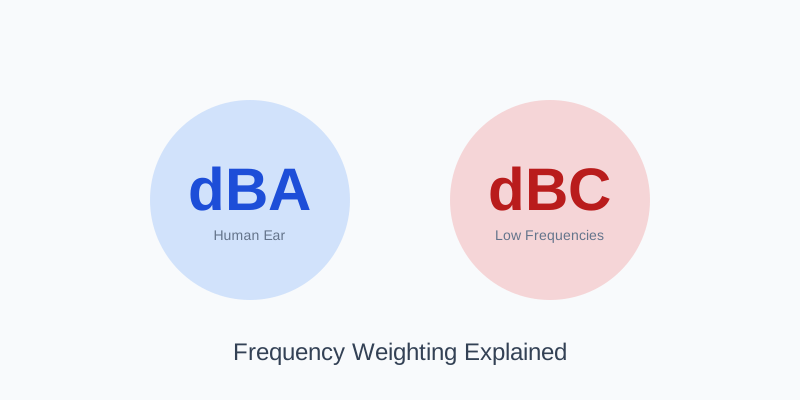
Before you start recording, you need to know what you are measuring. Most local noise ordinances specify noise limits in decibels (dB), and almost all of them use the A-weighting (dBA) scale.
Why dBA? Because it mimics how the human ear hears. It focuses on mid-range frequencies and ignores deep bass. If you present evidence in dBC (which includes more bass), it might be dismissed because it doesn't align with the legal standard.
Tip: Not sure about the difference? Read our detailed guide on dBA vs dBC to ensure you're using the right metric for your specific situation.
Step 2: The Right Tools
You don't need to buy an expensive dedicated SPL meter for a preliminary complaint. Your laptop or smartphone, combined with our browser-based tool, is a powerful evidence-gathering device.
- Device: A laptop is often better than a phone because it can sit stable on a surface, but a phone works too.
- Software: Open the Realtime Sound Meter in your browser. It requires no installation and works instantly.
- Calibration (Optional): If you have access to a known quiet room or another reference, you can adjust the sensitivity, but for relative noise comparisons (e.g., "Noise ON" vs "Noise OFF"), the default settings are usually sufficient to show the impact of the noise.
Step 3: Creating the "Evidence Log"
A single screenshot isn't enough. You need to demonstrate a pattern of disturbance. Here is the professional way to log noise:
| Date & Time | Duration | Max dB | Source Description |
|---|---|---|---|
| Feb 6, 11:15 PM | 45 mins | 78 dB | Loud music / Bass thumping |
| Feb 7, 6:30 AM | 20 mins | 85 dB | Heavy furniture dragging |
Make it verifiable: log + report + pattern
Strong evidence is a packet: a repeatable log (multiple days), at least one saved report from the same setup, and a quick visual that shows recurrence. Use this sample dataset as a template and replace it with your own measurements: noise-evidence-log-sample.csv.
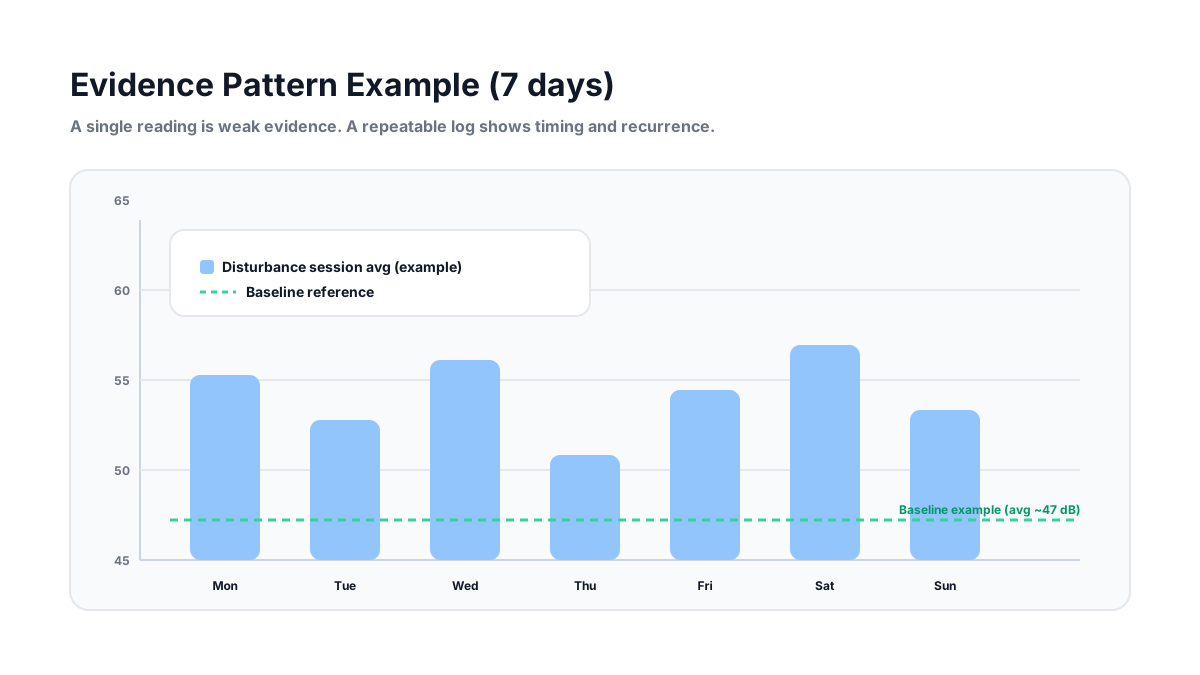
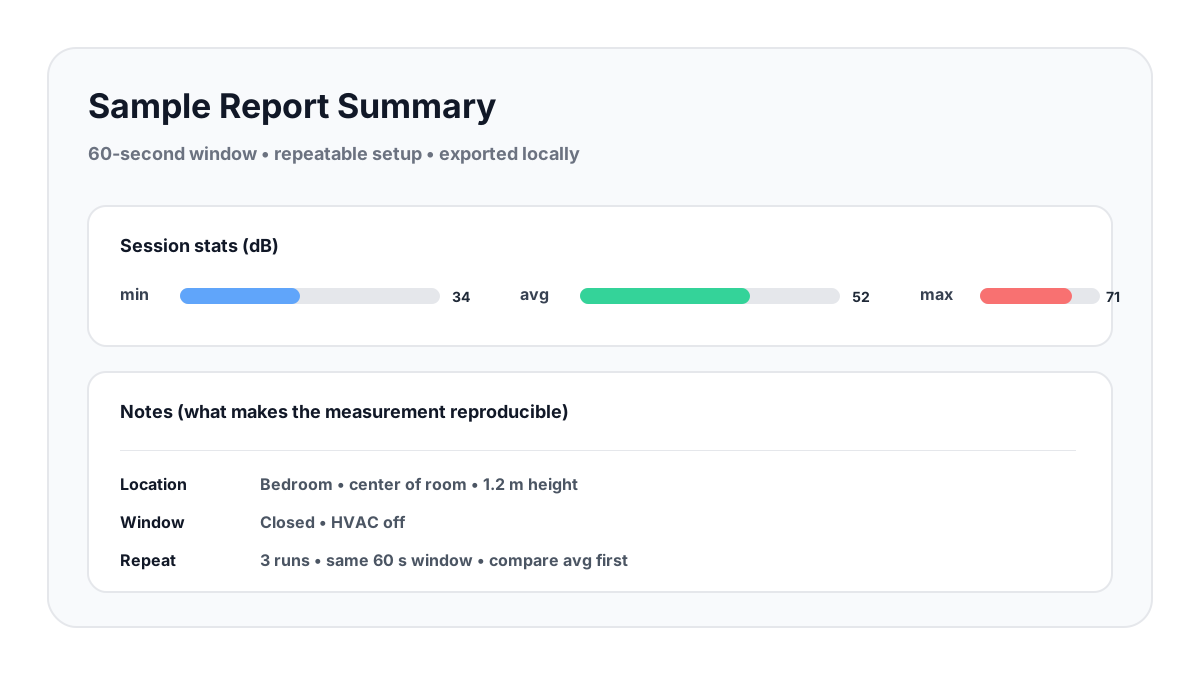
- Baseline run: record a 60-second “quiet” baseline with the same setup.
- Disturbance run: record a 60-second run during the event and save a report.
- Repeat: do this across multiple days at consistent times or whenever the issue occurs.
- Context matters: note room, window state, and where the device was placed.
Step 4: Capturing Visual Proof
Numbers are good, but visuals are better. Our tool provides a real-time history chart and frequency spectrum that help show patterns, peaks, and “what kind” of noise it is.
- Set the Scene: Place your device on a table away from walls (to avoid bass reinforcement) and ensure windows are closed if the noise is coming from inside the building.
- Start Measuring: Click "Start" on the Sound Meter.
- Capture the Peak: Wait for the noise to occur. Watch the graph spike.
- Take a Screenshot: Capture the entire screen, including the system clock in the corner. This proves when the noise happened.
Step 5: Compare with "Ambient Silence"
This is the secret weapon. A noise level of 50 dB might not seem loud, but if your apartment's quiet baseline is 30 dB, that's a 20 dB jump—which feels four times as loud to the human ear!
Action Plan: Take two measurements. One when the neighbor is quiet (Baseline) and one when they are noisy (Disturbance). Presenting the difference is often more convincing than the absolute number.
Conclusion
Noise disputes are stressful, but data gives you power. By using the Online Sound Meter to create a professional log of evidence, you move the conversation from "I feel like it's loud" to "The data shows a violation."
Start collecting your evidence today, and reclaim your peace and quiet.